Start free trial

Accounts and regions

Which region to pick, whether you need a Chinese phone number, and where a hidden robot goes.

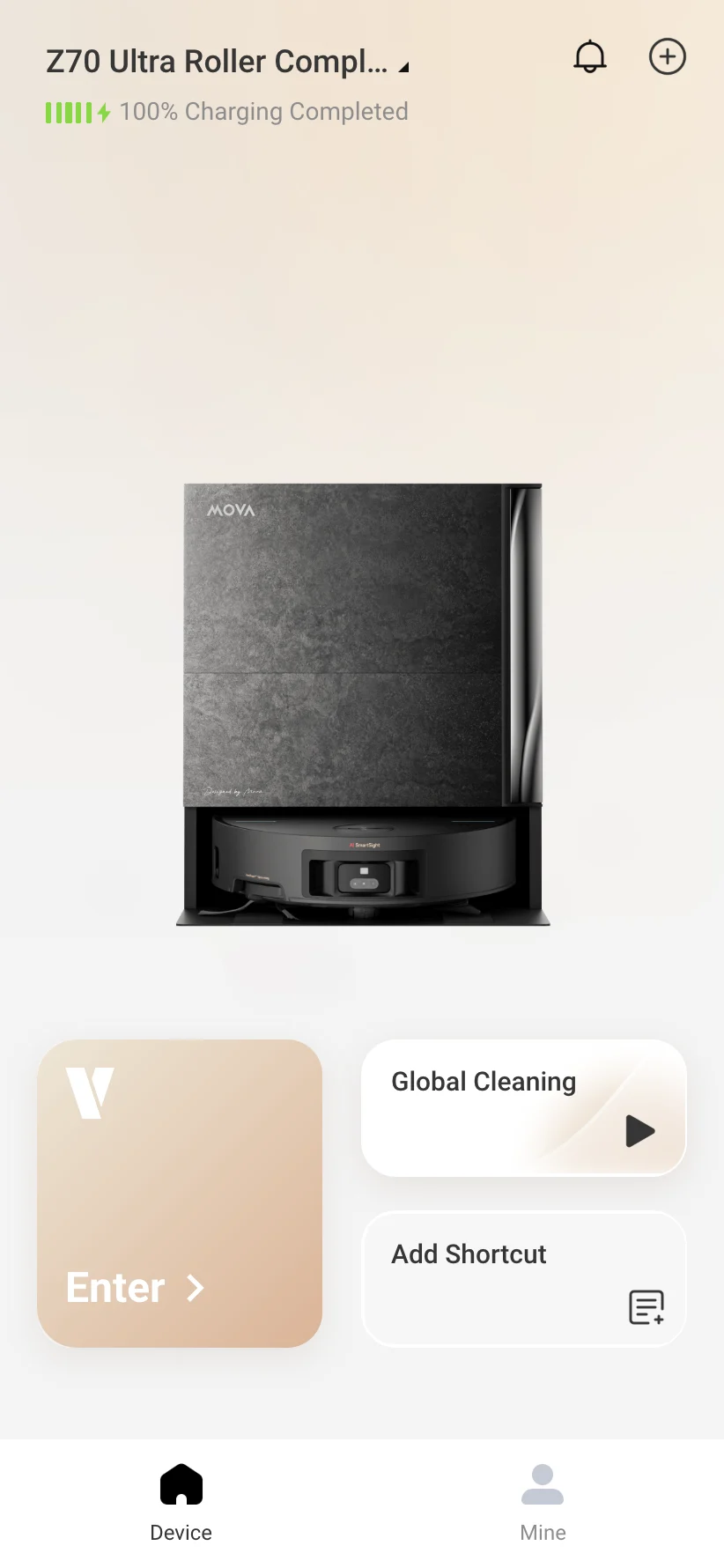
VacDeck home screen with a linked MOVA robot, fully charged

A robot lives in the region it was registered to. Pick another region in the app and it seems to vanish. New China-region accounts now need a Chinese (+86) phone number, according to third-party guides; older email accounts may still exist.

Start free trial

Do I need a Chinese (+86) phone number?

Partly

To create a new China-region account, the evidence says yes: users report being unable to make one without a Chinese number, and a third-party timeline says email sign-up in the China region ended in early 2024. Some owners rent virtual +86 numbers; others report passport checks.

VacDeck does not create China accounts or get around the phone requirement. It works with the account you already have. Source: Mindsolo timeline.
Which region do I pick: Mainland China, Europe, Singapore or US?

Partly

The one the robot was registered in. If you pick a different one in the official app, the robot may not appear. A mismatch gives “login failed” or “device not found”.

VacDeck sorts this out when you link an account, so you do not have to pick. We have linked accounts registered in China and in Singapore.

My robot does not show in the international app. Where is it?

VacDeck solves

It is still on the account, in the region it was registered in, or the official app is hiding it as a China model. VacDeck lists the robots on the account itself, including ones the official list hides, and you can add a missing one manually.

We confirmed this on a China-only unit used abroad: the official list showed nothing, and VacDeck listed it. Source: Reddit, Singapore thread.

Can I have a China robot and a global robot in one app?

VacDeck solves

Not in the official app: signing in to one region hides the other region's robots. In VacDeck you link each account once, and on Plus and Business the robots from all of them sit in one list.

Dreamehome, MOVAhome or Mi Home: which app does my robot use?

Advice

Dreame models use Dreamehome, Xiaomi Home or both, depending on the model; MOVA models use MOVAhome; Mijia models only Xiaomi Home. VacDeck works with Dreamehome and MOVAhome accounts, so a robot that lives only in Xiaomi Home is not supported.

Dreamehome, international

Region does not match

VacDeck

S30 Ultra Member

Online

If I change the account region, do I lose the robot?

Advice

We found no source either way. Guides only say that the selected region must match where the robot is registered. Test with a spare account before you change anything on the one that holds your robot.

I have an old email-registered China account. Will it ask for a phone number?

Partly

Possibly: a third-party tool advertises stopping the official app from asking those accounts for a phone number, which suggests the app does ask. In VacDeck you link the account with the same email and password you use in the app.

Source: Mindsolo, MindBridge.

Where VacDeck helps

You link the Dreamehome or MOVAhome account you already have, and VacDeck lists every robot on it, including robots the official list hides. You do not have to work out which region the account is on, and a missing robot can be added manually.

We have linked accounts registered in China and in Singapore. On Plus and Business, robots from several accounts and regions appear in one list.

Start free trial
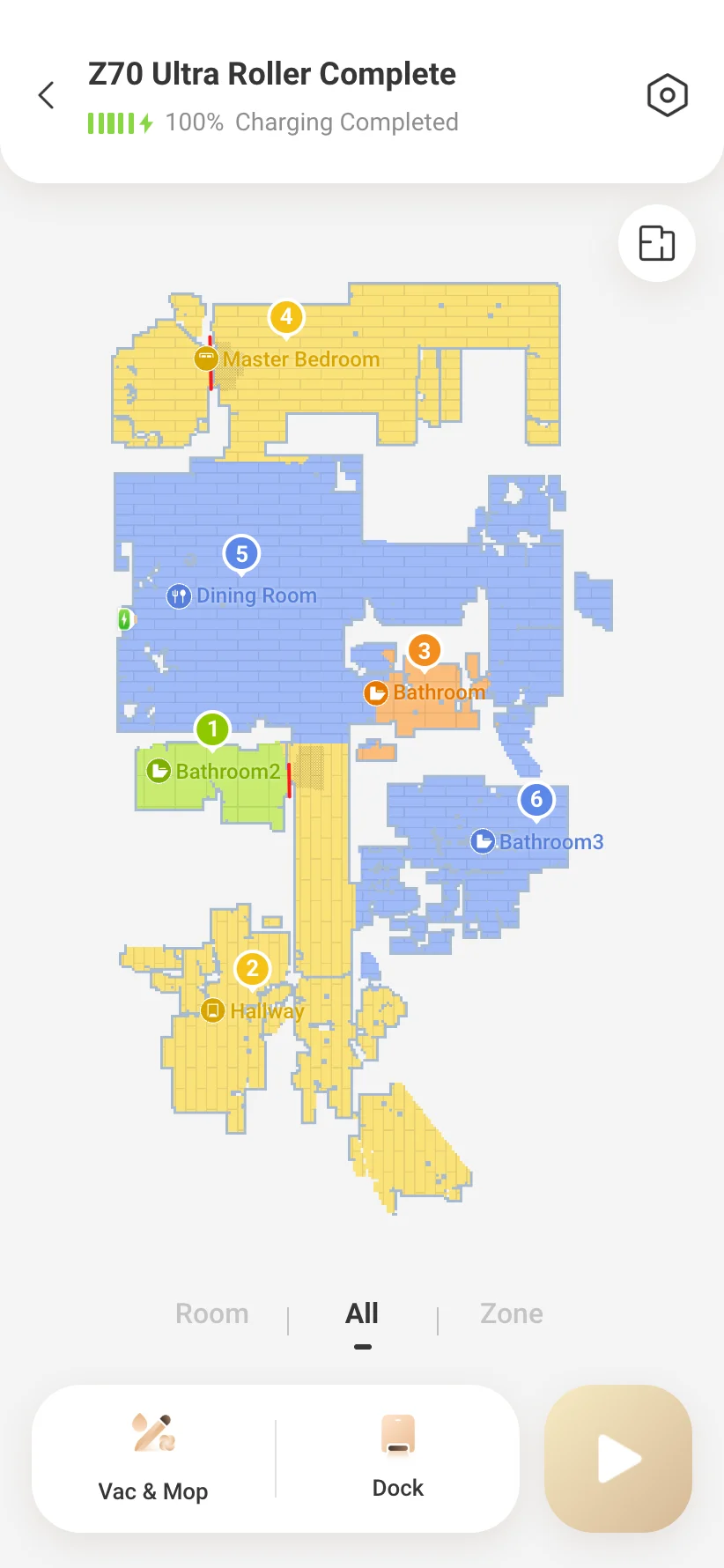
VacDeck robot screen in English with the floor map and named rooms