Start free trial

Firmware and updates

Whether an update can lock the robot, auto-updates, and forced in-app updates.

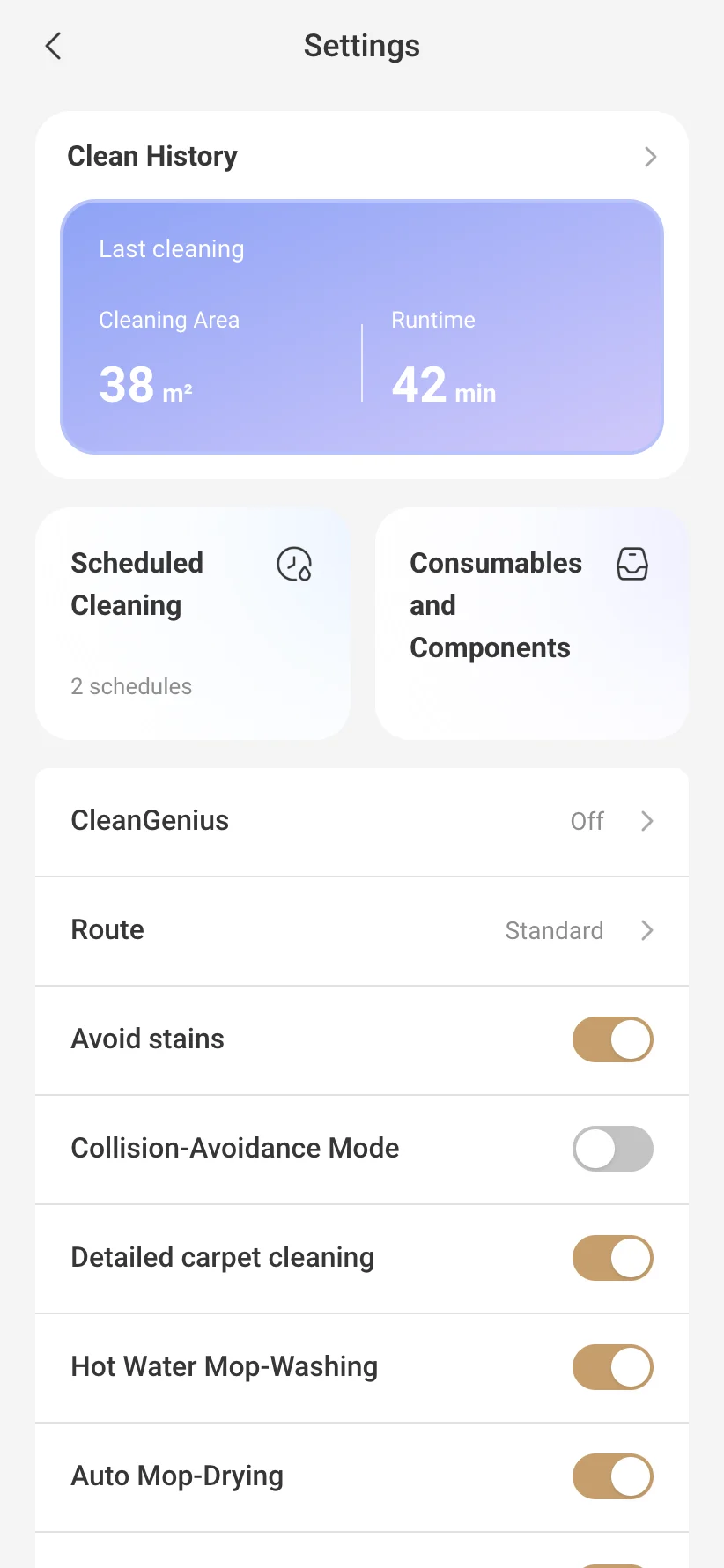
Robot settings in VacDeck, in English

Third-party guides say newer firmware can bring on the lock, and at least one global robot locked right after an update. The official apps also force an extra in-app update, which ended old-app workarounds. No official statement on any of this was found.

Start free trial

Will a firmware update lock my China-version robot?

Advice

It can, according to third-party guides: robots have locked after updates, and new models are reported to ship with the lock. A global MOVA in Mexico locked right after an update. We found no case proving that one particular update locked one particular China unit.

Sources: Mindsolo, region lock notes; MOVA forum, thread 1905.
Can I turn off automatic firmware updates?

Advice

We found no official page on it. Third-party guides warn that a rolled-back robot may update itself, which means updates can be pushed. Check the update settings of your model in the official app.

The app makes me do an extra in-app update before I can use the robot.

Advice

Owners report that the app forces the latest in-app update even on older app versions, and a third-party timeline says old app versions were cut off twice in 2024. Staying on an old app is a workaround, not an official option.

Source: Mindsolo timeline.

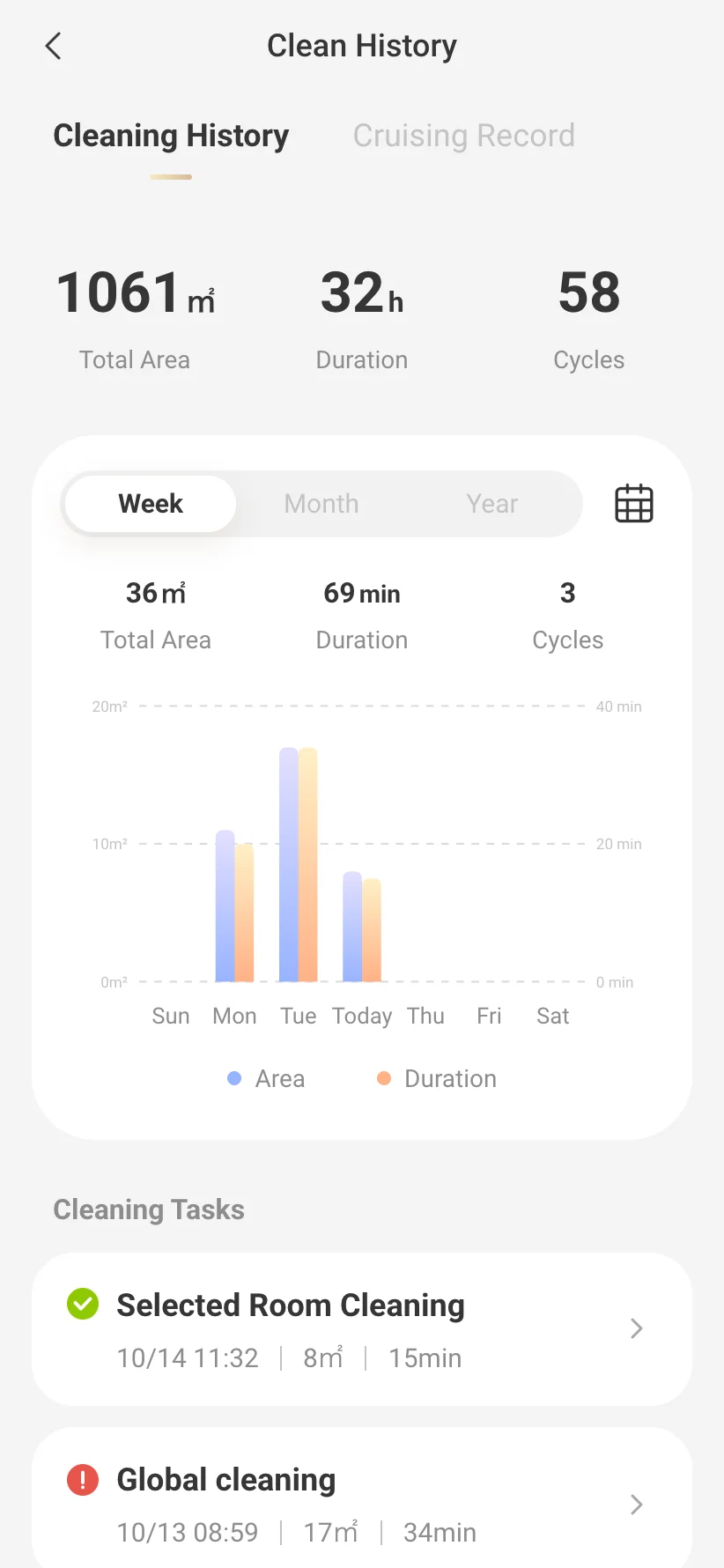
Cleaning history in VacDeck: area, time and each run

Will VacDeck flash or change my robot's firmware?

Advice

No. VacDeck does not install firmware. Today the robot's voice stays as it is; translated voice packs and custom voices are coming soon to VacDeck.

Where VacDeck helps

VacDeck never installs, flashes or rolls back firmware. It works with the robot as it is: no firmware change, no reset, no VPN.

Start free trial
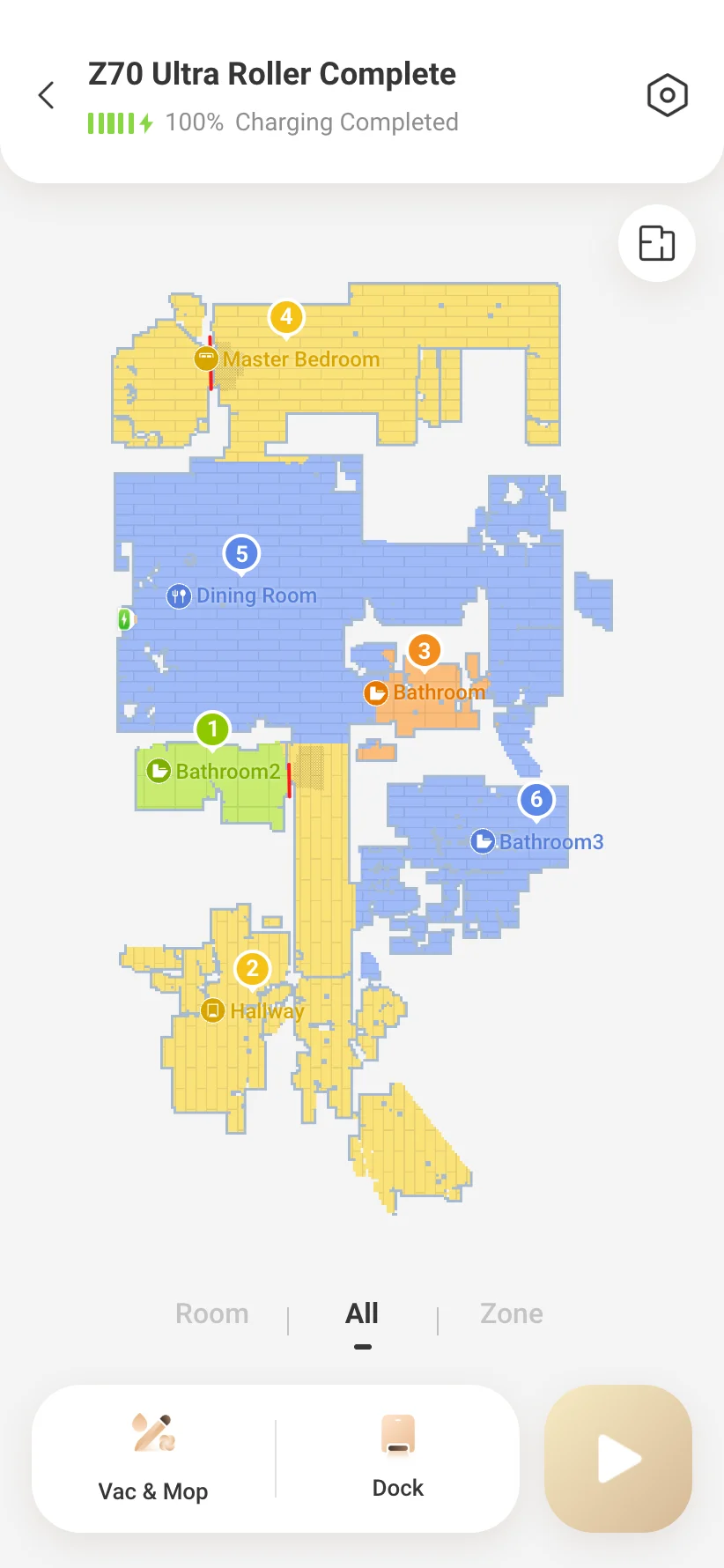
VacDeck robot screen in English with the floor map and named rooms