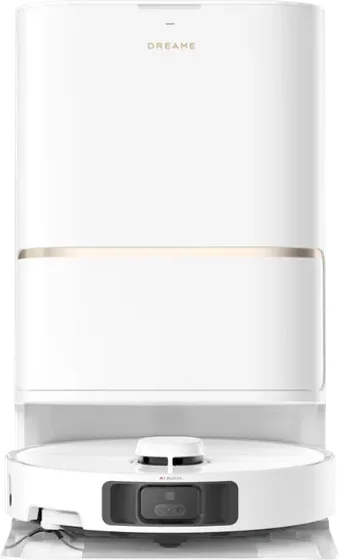
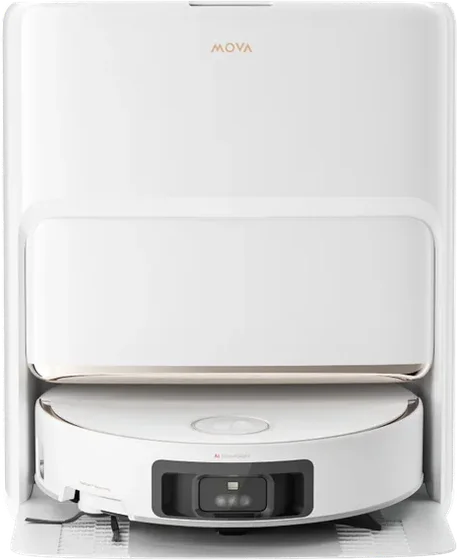
China-version Dreame and MOVA robots, in English

Start free trial

Chinese robot, English app

Same robot, same map. Now in English.

265

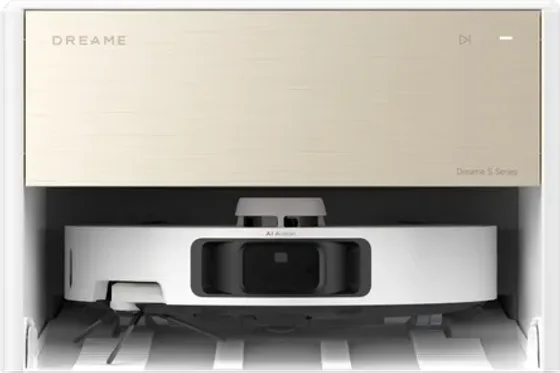
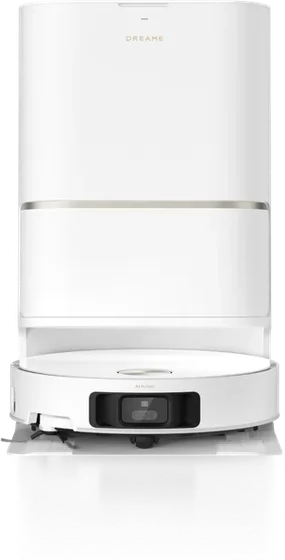
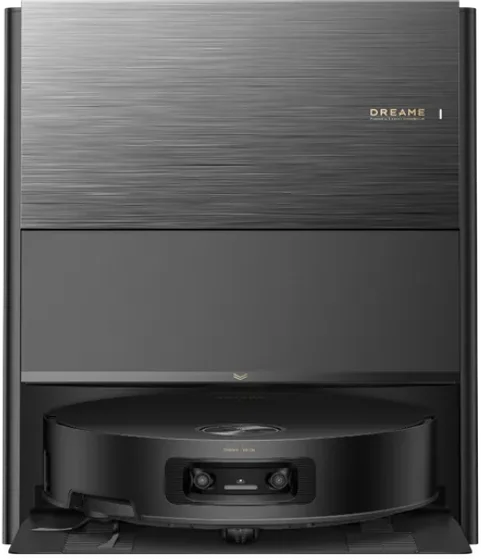
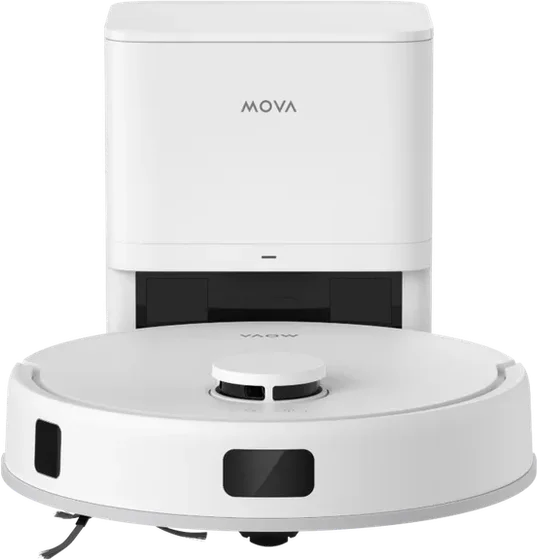
Dreame and MOVA models in our list, China versions included

Find your model

Room names: before and after

客厅
Living Room
主卧
Master Bedroom
厨房
Kitchen
书房
Study

Why VacDeck

Start free trial
Works today

Official app

Region does not match

VacDeck

S30 Ultra Member

Online in VacDeck

No region lock

The official app says “region does not match”. VacDeck still opens the robot: map, rooms, zones, settings. No VPN, no reset, no firmware hack.

Proven on a China-only unit abroad. Try yours free for 7 days.

Coming soon
  • ZH开始清扫
  • ENStarting to clean
  • VIBắt đầu dọn dẹp
  • DEReinigung startet

It speaks your language

Swap the Chinese voice prompts for English, Vietnamese or another language.

Coming soon

Record 3 minutes

CalmButlerYour partner

Any voice you like

Pick a voice, or record your own. Even your partner's, with their blessing. Finally, someone at home who mops when asked.

Try it

A China-version robot as its own app shows it. Flip the language.

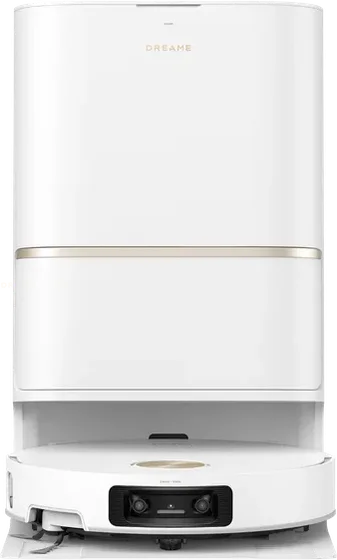
Dreame S30 Pro Ultra
追觅S30 Pro Ultra

追觅S30 Pro UltraS30 Pro Ultra

100% 充电完成Charging completed

09:30 周一至周五Mon Tue Wed Thu Fri
扫拖Vac & Mop 标准Standard

已选择:客厅Selected: Living Room

Chinese characters on screen: 0

Screen language
Cleaning mode
How to start

Everything the app does

Rename rooms

Type the new name on the map.

No-go zones

Draw them on the map.

Parts

Life left on each one.

Schedules

Saved on the robot.

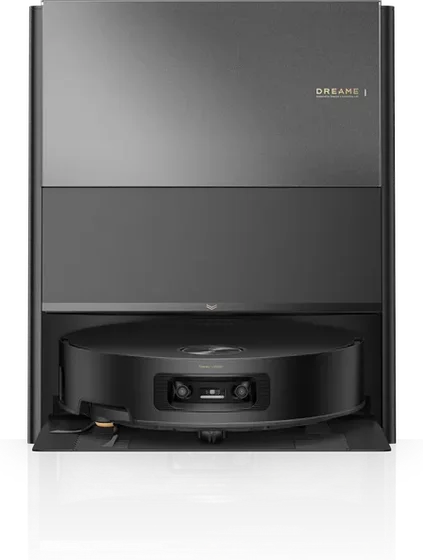
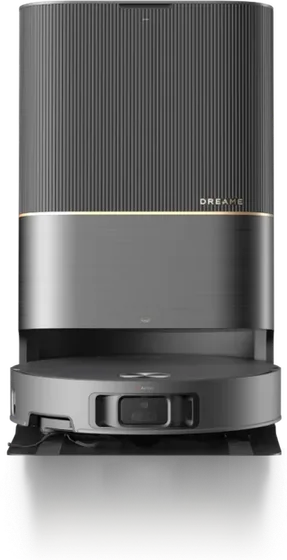
Dreame X40 Pro Ultra
Dreame X40 Pro UltraChina · International
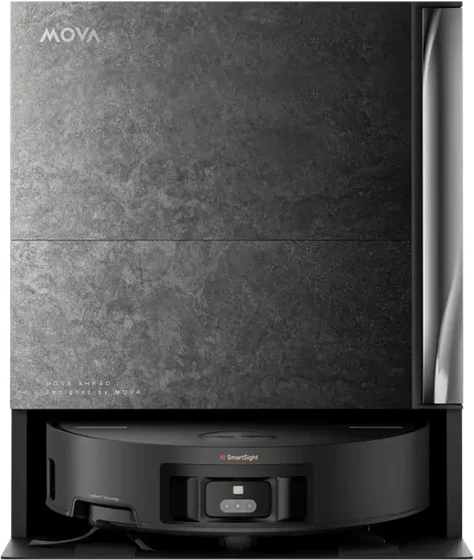
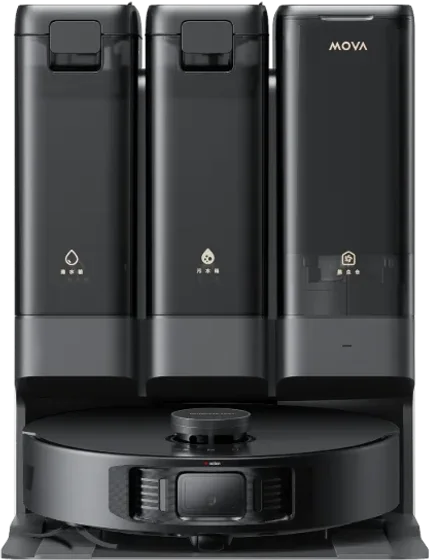
MOVA Z70 Ultra Roller Complete
MOVA Z70 Ultra Roller CompleteInternational
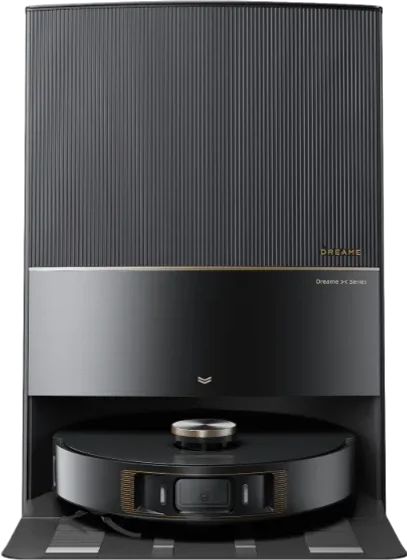
Dreame G30 Ultra
Dreame G30 UltraChina
MOVA Z60 Ultra Roller Complete
MOVA Z60 Ultra Roller CompleteInternational

Three steps, no reset

Start free trial

Dreamehome · Account

国家/地区中国大陆

邮箱you@gmail.com

设备追觅S30 Pro Ultra · 在线

Keep your app

The robot stays in Dreamehome or MOVAhome.

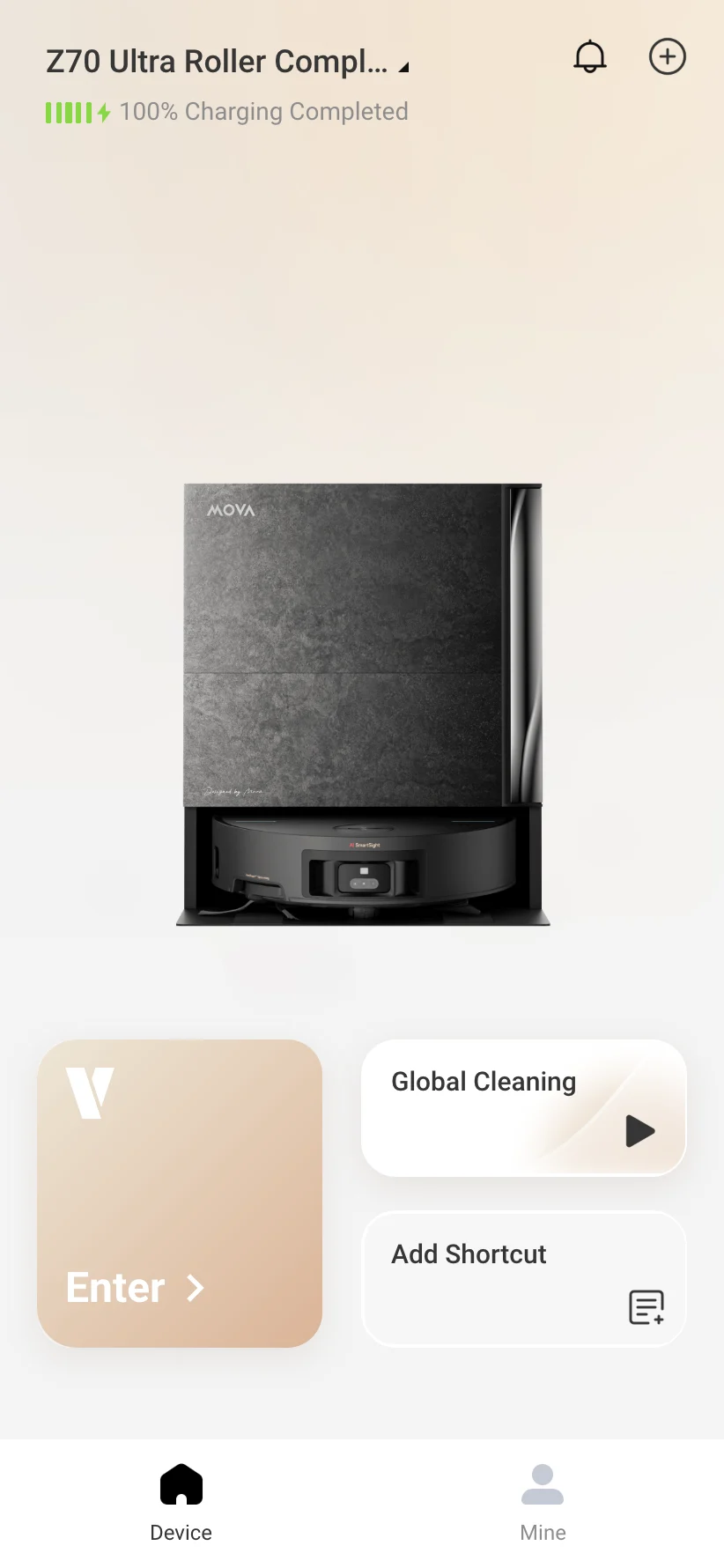
VacDeck home screen with a linked MOVA Z70 Ultra, fully charged, and the Enter button

Link it

Link that account in VacDeck. Pick your robot.

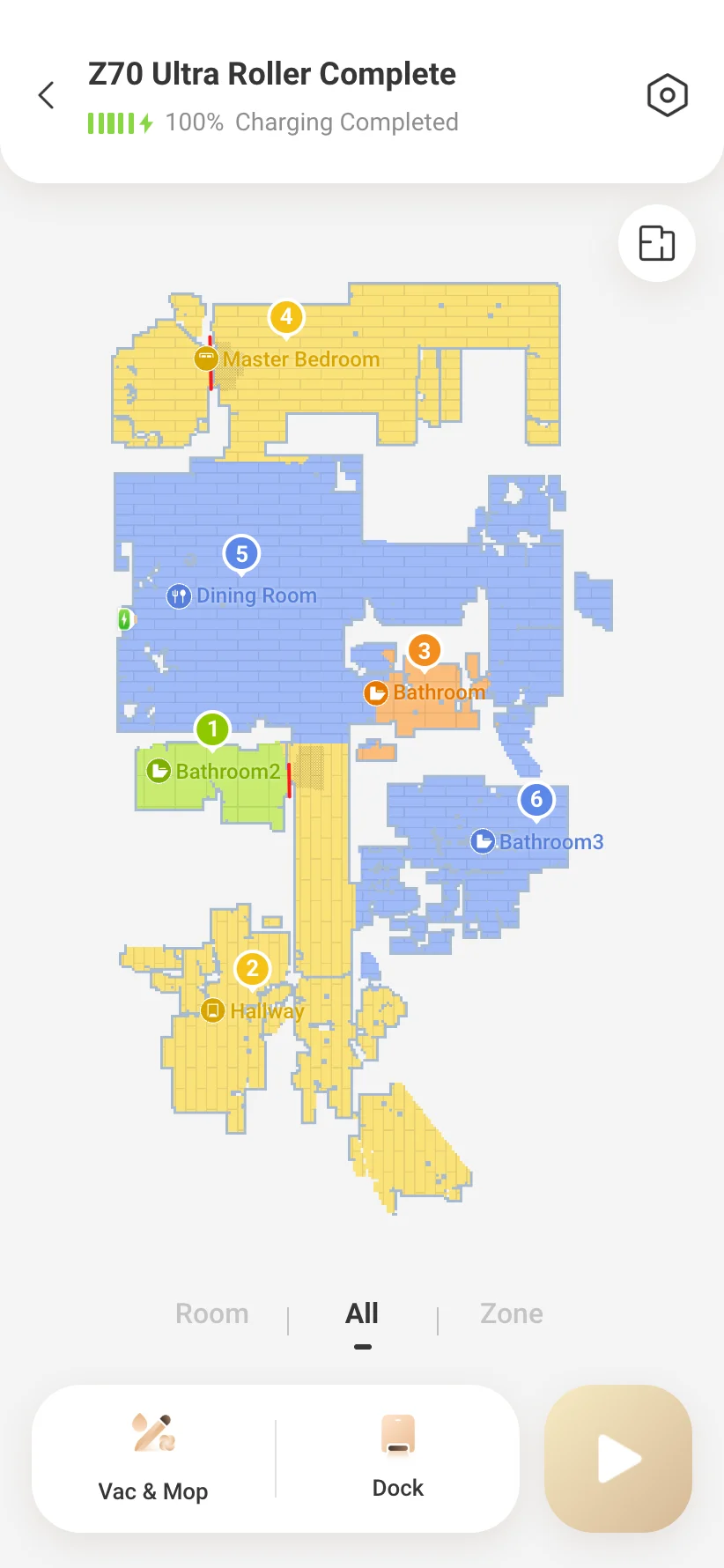
VacDeck robot screen in English: floor map with named rooms, Vac & Mop mode and the Dock button

Use it in English

Your map, rooms and modes, in English.

Partly

The app considers the robot to belong to a different region from the one you are using it in. Third-party guides also quote a second message saying the robot is a mainland China version not certified for your region. The same warning has appeared on global units taken to another country.

Partly

Often, yes: the app locks or hides it. Owners say the robot itself keeps working: the power button still starts a clean and Chinese voice commands still work.

Advice

Owners report locks arriving after days, weeks or a firmware update. One third-party timeline describes Dreame tightening its checks in steps between 2023 and August 2025, when global units began to be blocked outside their home region too. That timeline comes from a seller of unlock tools, not from Dreame.

Partly

Yes, according to several cases. A UK X40 Ultra bought in Dubai locked after its owner moved to Moscow, and a MOVA bought on Amazon US locked in Mexico after an update. Support asked for device details and receipts in both threads; neither shows an unlock.

Advice

Owners say the power button still starts a full clean and Chinese voice commands still work. A robot that has never been online may refuse even that until it has gone online once.

Advice

We found no case where official support unlocked a China-version robot. On the official forums, support asked for device details, receipts and screenshots, then passed the case on without a promise or a date.

Advice

The usual advice from other owners is to claim from the seller or the marketplace, since Dreame does not help with grey-market units. Some buyers have opened card disputes. Your rights depend on your country's consumer law; this is not legal advice.

Full answers: Region lock and “region does not match”

Advice

Opinions split. Most owners in a Singapore thread discouraged it; one used a China-bought robot fully, but with a Chinese app and voice. One experienced owner who first advised against it later called it possibly worth the risk for the price and features.

Advice

There is no reliable price survey, only owner reports: “$100–200 more” for the overseas version, “almost 500 EUR” saved on one Taobao order, an X50 Pro at about $750 delivered. Shipping, duty and a step-up transformer eat into that, and local sales can close the gap.

Advice

Ask the seller for a Global or EU model number and a screenshot of the robot bound in the app under a European or UK region. A moderator of the Dreame subreddit says that without this you should assume it is a China unit, and that at around half price it almost always is.

Advice

Not on its own. “Works in Europe” often only means it powers on. In one thread the seller stopped replying when asked for the region screenshot; in another, a buyer was asked for a $300 “export fee” the day after ordering.

Advice

Some owners say Xiaomi Mijia models are not locked, but Mijia robots show “Mainland China Region” in the Mi Home app, so treat that claim as unproven. Roborock and Ecovacs owners report locks and China-only sign-up steps too.

Advice

You can, but plan for it. One owner took a China unit to the US: it cleaned, but there was no usable app and consumables became hard to get, so they stocked up before leaving. Check the exact model and its voltage before you buy.

Advice

Only if you can test it first. One buyer's $25 China X10 Ultra repeated a Chinese prompt with blinking orange buttons; it needed to go online once, and the app never worked. You inherit whatever account binding the last owner left.

Advice

Remove it from your account, factory reset it, and tell the buyer plainly that it is a China-region unit. That is general practice; we found no official guide for it.

Full answers: Buying a China version

Partly

To create a new China-region account, the evidence says yes: users report being unable to make one without a Chinese number, and a third-party timeline says email sign-up in the China region ended in early 2024. Some owners rent virtual +86 numbers; others report passport checks.

Partly

The one the robot was registered in. If you pick a different one in the official app, the robot may not appear. A mismatch gives “login failed” or “device not found”.

VacDeck solves

It is still on the account, in the region it was registered in, or the official app is hiding it as a China model. VacDeck lists the robots on the account itself, including ones the official list hides, and you can add a missing one manually.

VacDeck solves

Not in the official app: signing in to one region hides the other region's robots. In VacDeck you link each account once, and on Plus and Business the robots from all of them sit in one list.

Advice

Dreame models use Dreamehome, Xiaomi Home or both, depending on the model; MOVA models use MOVAhome; Mijia models only Xiaomi Home. VacDeck works with Dreamehome and MOVAhome accounts, so a robot that lives only in Xiaomi Home is not supported.

Advice

We found no source either way. Guides only say that the selected region must match where the robot is registered. Test with a spare account before you change anything on the one that holds your robot.

Partly

Possibly: a third-party tool advertises stopping the official app from asking those accounts for a phone number, which suggests the app does ask. In VacDeck you link the account with the same email and password you use in the app.

Full answers: Accounts, regions and +86 numbers

Partly

It depends on the brand and app. One China X50 Ultra owner saw the official app in English because it follows the phone language; a China Ecovacs owner got Chinese everywhere. VacDeck gives the robot a complete English interface either way.

Advice

Not officially. China-market robots offer Mandarin and dialects such as Cantonese, and owners say Dreame does not ship English voice files to them. Third-party voice packs exist for some models only. Today the voice on your robot stays as it is; translated voice packs (English, Vietnamese and other languages) and custom voices, where you pick a voice or record your own, are coming soon to VacDeck.

Advice

Owners give the wake word as 你好追觅 (“Hello Dreame”). They share lists of Chinese commands for start, pause and return to dock, and play them through a translation app's speaker. Voice control reportedly works even on a locked robot.

VacDeck solves

Yes, in VacDeck: tap the room on the map and type a name. The new name stays with your robot, and the official app shows it too. We tested this on a China-only unit used abroad.

Full answers: English app and robot voice

Advice

Its makers say it makes the robot think it is in mainland China, with no guarantee and only “until the manufacturer fixes it”. Owners report DNS methods getting blocked. We found nothing confirming its status in October 2026.

Advice

Sometimes, for a while. Owners describe setting the robot up once through a mainland China VPN; one self-built VPN router worked until it was blocked, with the owner saying Dreame records the IPs used. Routers made for this are sold on Taobao.

Advice

One method installs Dreame firmware dated before 28 April 2023. The robot may update itself and undo it, older firmware lacks newer features, and models launched after that date never had such firmware.

Advice

Owners call it the most reliable fix: fit a global board, then set your real region in the app. It means many screws and cables, and a repair shop reports that Dreame later blocked spare boards it had bought.

Advice

Reported prices run from about $15 to $100. One unlock through a China agent needed device details, a reset and a week offline, and came with a one-week guarantee that does not stop the robot being flagged again.

Advice

Its own page says it intercepts network traffic through an installed certificate and a WireGuard route, that it may affect the security of your data, and that you take full responsibility. VacDeck works differently: it is a website that installs nothing on your phone and never sits between your phone and the internet.

Full answers: Workarounds and unlock services

Advice

It can, according to third-party guides: robots have locked after updates, and new models are reported to ship with the lock. A global MOVA in Mexico locked right after an update. We found no case proving that one particular update locked one particular China unit.

Advice

We found no official page on it. Third-party guides warn that a rolled-back robot may update itself, which means updates can be pushed. Check the update settings of your model in the official app.

Advice

Owners report that the app forces the latest in-app update even on older app versions, and a third-party timeline says old app versions were cut off twice in 2024. Staying on an old app is a workaround, not an official option.

Advice

No. VacDeck does not install firmware. Today the robot's voice stays as it is; translated voice packs and custom voices are coming soon to VacDeck.

Full answers: Firmware and updates

Advice

Owners of blocked China units describe exactly this: pairing fails at the third tick, sometimes with “The machine is locked. Please contact after-sales”. A MOVA bought in Chile failed the same step in Argentina.

Advice

Plan on 2.4 GHz. MOVA support told an owner with an offline robot to turn off the router's “5G preference”, and owners run China units on 2.4 GHz networks. We did not find a Dreame page that states the band.

Advice

MOVA support lists the robot being off, weak signal where it docks, or a home network outage. Power it on and redo network setup, move the router or dock closer, and turn off 5 GHz preference. An offline robot still finishes scheduled cleans, support says.

Advice

We found no measurements. One owner outside China saw the robot connect straight to a Dreame cloud address in Shanghai without a proxy. Lag complaints mostly come from people routing through a China VPN.

Advice

A DNS vendor says its service only redirects the robot's own connection. The common practice is still a separate network or router for the robot, so the rest of the house is untouched. VacDeck needs neither.

Full answers: Wi-Fi, pairing and offline

Advice

Not directly if it is rated for 220–240 V only. When a Dreame owner moved an India unit to the US, other owners said a step-up transformer is needed, not just a plug adapter. Check the rating label under the dock.

Advice

China uses plug types A and I. Australia uses I, the UK G, most of Europe C and F, the US and Canada A and B. A China plug that fits a US socket still delivers the wrong voltage to a 220 V robot.

Advice

We found no tested result. Owners report suction and drying parts failing on units run at the wrong voltage. Don't test it on your robot.

Advice

China is 50 Hz; the Americas and the Philippines are mostly 60 Hz. We found no source on how China docks cope with 60 Hz, so check whether the label says 50/60 Hz.

Advice

Some China models are sold in plumbed editions, such as a MOVA P50 with integrated water supply and drainage. Dreame also sells hookup kits for several models. Check the exact SKU.

Full answers: Voltage, plugs and water hookup

Advice

We found no official policy, and no sign that it does. MOVA support told a US buyer the warranty only applies in the US and Canada. Dreame's after-sales list tells people outside listed countries to contact their seller.

Advice

Dreame's forum lists the US, Canada, Europe, Japan, Korea, India, Mexico, Turkey, Israel, the UAE, Saudi Arabia, South Africa, Lebanon, Russia and CIS countries, Australia and New Zealand. Elsewhere it says to contact local sellers. Check the current list before you rely on it.

Advice

The announcement says nothing about China units, and the plan is sold only in Germany, France, Italy and Spain. Assume it does not cover them.

Advice

Usually by yourself, with parts from AliExpress. One China Roborock owner replaced a cracked tank that way, but could not find a replacement dock when it stopped charging.

Advice

From a local retailer or the brand's official store in your country. UK owners mention AO.com and a local electrical shop with a two-year warranty; refurbished units from Dreame's official eBay store came with two years too.

Full answers: Warranty and repairs

Advice

Often, not always. One owner noted a dust bin without the inlet flap of the global version, a sign of a regional variant. AliExpress dust bags are usually the China versions and cheaper. No compatibility table exists; compare photos and model numbers.

Advice

Taobao and AliExpress carry filters, brushes and detergent. An owner who took a China unit abroad found consumables harder to get over time and advises stocking up.

Partly

Yes, in VacDeck: the consumables page shows the share left on each part, in English. On one blocked robot, an owner could not reset the filter counter without a factory reset; we have not tested resetting counters on a real robot yet.

Advice

MOVA support recommends the official solution made for your model. It names no banned products. Foaming cleaners are the usual worry with auto-dosing docks, so start with the official one.

Advice

A repair shop says Dreame blocked a batch of mainboards it bought, a claimed $5,400 loss. It is one unverified report, but it means mainboards are the part to be careful with.

Full answers: Parts, consumables and detergent

Advice

Yes. The EU has had no VAT exemption for imports since 2021. The new flat 3 EUR duty from July 2026 only covers items up to 150 EUR, so a robot vacuum pays standard duty and VAT. Check your country's rate for the product.

Advice

Above 135 GBP you pay VAT to the delivery company, plus customs duty at a rate set by the goods and origin, calculated on the price plus postage and insurance. Unpaid parcels are held about three weeks and then returned.

Advice

The US ended its duty-free exemption for Chinese goods in May 2025 and for all countries in August 2025. We could not open official pages for Australia, Canada or other countries; check your customs authority before ordering.

Advice

Lithium batteries can fly under conditions, so some sellers ship by sea or through forwarders. A demand for an extra “export fee” after ordering, like the $300 one a MOVA buyer got on a $600 order, is a reason to cancel.

Advice

Hard. Dreame's own US store only takes back damaged or wrong items, and the buyer pays return shipping including duty and tax. Marketplaces have their own rules; read them before you pay.

Full answers: Import, duty and returns

Advice

Owners report no Google Home or Alexa on China units, and whether China models get Matter is unclear. Features also differ by model and arrive by update. Treat smart-speaker support as absent unless the seller proves otherwise.

Advice

We found no official word on it, and owners report that smart-home support on China units is thin. VacDeck has no smart-home integration. Treat hub support as absent unless the seller proves otherwise.

Advice

Valetudo is custom firmware that you flash onto the robot instead of the maker's. It is not presented as an unlock for the region lock. Owners say flashing new robots is increasingly difficult, and it does not support every model. VacDeck does not flash firmware.

Advice

For a China-version robot, yes: one owner outside China saw it connect straight to a Dreame cloud address in Shanghai. Korean media reported security flaws in Ecovacs and Dreame robots in September 2025; we have not read the full reports.

Advice

Not in VacDeck; it has no camera view. Use the official app for that, where your model supports it.

Partly

Ask each app how it keeps it. VacDeck uses the password once, to link the account, and does not store it; what it keeps to stay linked is encrypted before it is saved, and linking requires a verified email.

Full answers: Smart home and privacy

Advice

Examples: MOVA Z5 Pro (China) sits alongside the Z50 Ultra; the Xiaomi X20+ is a twin of the Dreame L10s Ultra; the China X10 is a separate variant from the global X10 Ultra.

Advice

Sometimes. Owners point to UV on the China X40, a wide roller mop with hot-water mopping on the China X60 Master, and plumbed editions such as a MOVA P50. There is no complete comparison.

Partly

See the map, rename rooms, pick cleaning mode and suction, draw no-go zones and virtual walls (up to ten each), set schedules and do not disturb, check consumables and read cleaning history. On a China-only unit used abroad we have run reading, room names and no-go zones; try your own model in the free trial.

Advice

Owners say yes: the lock applies once it is on Wi-Fi, and patches keep coming. VacDeck does not support Roborock.

Advice

One buyer needed a Chinese one-time code to create an account; another used a China Ecovacs fully, with a Chinese app and voice. VacDeck does not support Ecovacs.

Advice

Mijia robots live only in the Xiaomi Home app and show a “Mainland China Region” label there. VacDeck works with Dreamehome and MOVAhome accounts only, so they are not supported.

Full answers: Model names and other brands

Priced per robot

US dollars. Pay yearly, save 40%.

−40%

off when you pay yearly

Lite

$2.99/month

  • 1 robot
  • 7 days free
Start free trial

7 days free on Lite

Plus

$4.99/month

  • Up to 5 robots
  • Several accounts
Choose Plus

Business

$19.99/month

  • Unlimited robots
  • For shops and rentals
Choose Business

Try it on your own robot

Seven days free for one robot.